
Fontra Documentation
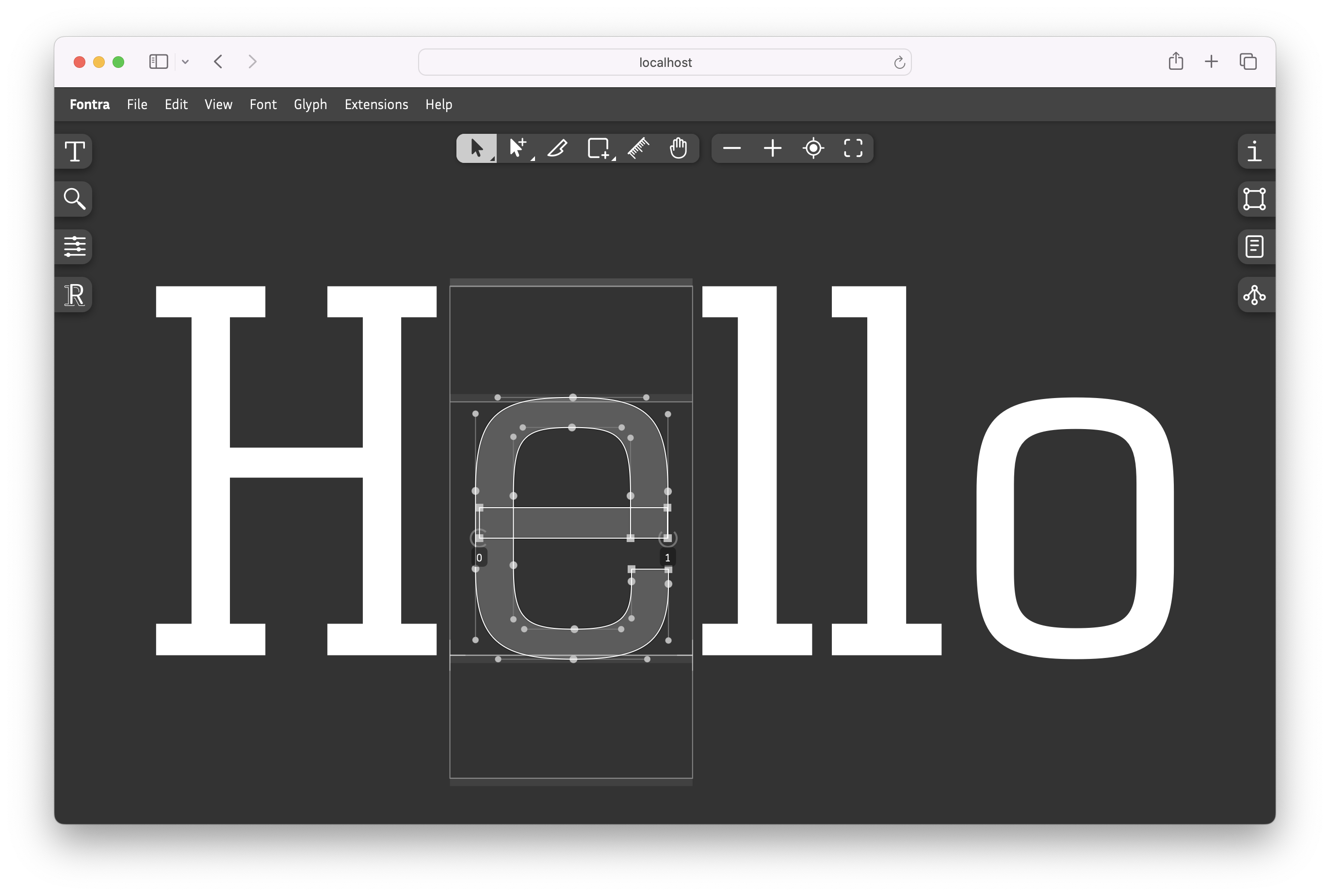
Fontra is an open-source, cross-platform, variable-first font editor that runs in your browser, locally or on a server for real-time collaboration.
macOS · Windows · Linux
Free and open source
UFO · designspace · .glyphs · TTF/OTF
01
New to type design
Never opened a font editor? Build a working variable font in under 30 minutes.
Start the tutorial 02Coming from another editor
Use Glyphs or RoboFont? Map what you know onto Fontra, and try it without leaving your tool.
Migration guides 03Looking something up
Every tool, panel, menu and shortcut of Fontra, described precisely.
Open the referenceBrowse the docs
Four kinds of pages, in the Diátaxis spirit, plus two sections for people arriving from elsewhere.
Get started
Install Fontra Pak, open a font, make your first one.
Tutorials
Tutorials and guided tours that take you by the hand, from zero to a finished font.
How-tos
Task-focused how-tos. Solve one specific problem, fast.
Reference
Every menu, panel, tool and shortcut, described precisely.
Explanations
The ideas behind Fontra. Designspace, variable components, how these docs are organized.
Coming from another editor
Rosetta-stone pages for Glyphs and RoboFont users.
Start here
Installing Fontra Pak on your computer
The desktop app for macOS, Windows and Linux. Edit local files in your browser.
Your first variable font
Make your first variable font in Fontra in under 30 minutes — no drawing skills required.
Try Fontra online
Nothing to install: the whole of Fontra in your browser.
Tools
The pointer, pen, knife, shape, ruler and hand tools, with their shortcuts.
Keyboard shortcuts
The default shortcuts of the editor.
Video library
Short screen recordings of each feature, from the pen tool to OpenType features.
Fontra elsewhere
Community
Source code
Fontra is developed by Black[Foundry] and Just van Rossum with support from Google. Read more in the Introduction.